> ## Documentation Index
> Fetch the complete documentation index at: https://docs.lute.gg/llms.txt
> Use this file to discover all available pages before exploring further.
# Notifications
> Categories and channels
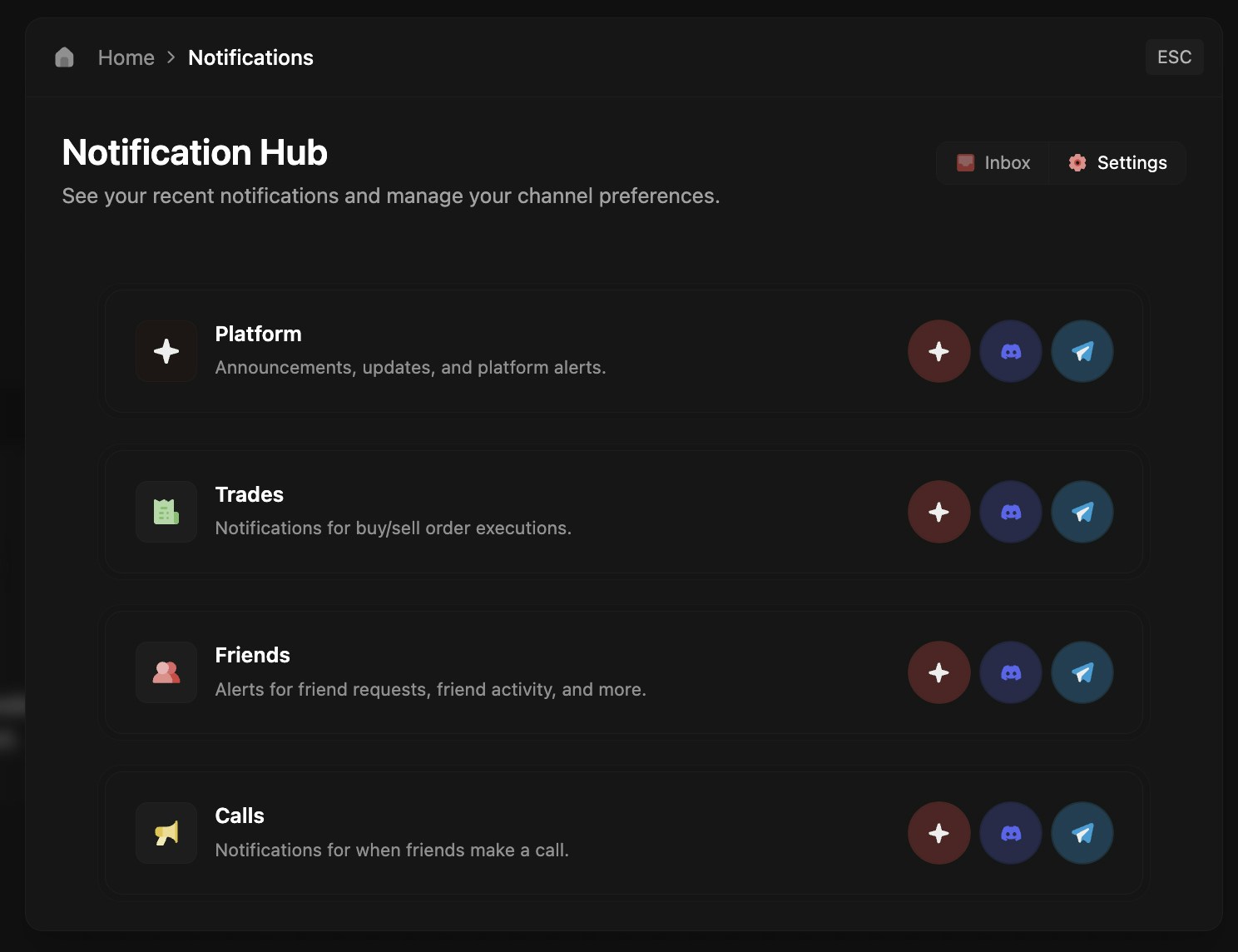
Control what notifications you receive and where they're delivered.
## Customize Your Preferences
For each notification type, choose between In-App, Discord, and Telegram delivery. Toggle notifications on or off and select your preferred channels.
 ## Available Notifications
* **Trade Alerts** - Order fills, executions, and confirmations
* **Friend Activity** - Trades, calls, and connection requests
* **Platform Updates** - Announcements and new features
* **Token Discovery** - New launches and trending tokens
* **Synapse Alerts** - Cross-platform notifications
Each notification type can be configured independently with its own delivery preferences.
Connect Discord or Telegram in Profile settings to enable external notifications.
## Available Notifications
* **Trade Alerts** - Order fills, executions, and confirmations
* **Friend Activity** - Trades, calls, and connection requests
* **Platform Updates** - Announcements and new features
* **Token Discovery** - New launches and trending tokens
* **Synapse Alerts** - Cross-platform notifications
Each notification type can be configured independently with its own delivery preferences.
Connect Discord or Telegram in Profile settings to enable external notifications.