> ## Documentation Index
> Fetch the complete documentation index at: https://docs.lute.gg/llms.txt
> Use this file to discover all available pages before exploring further.
# Filters
> Global presets and per‑page controls
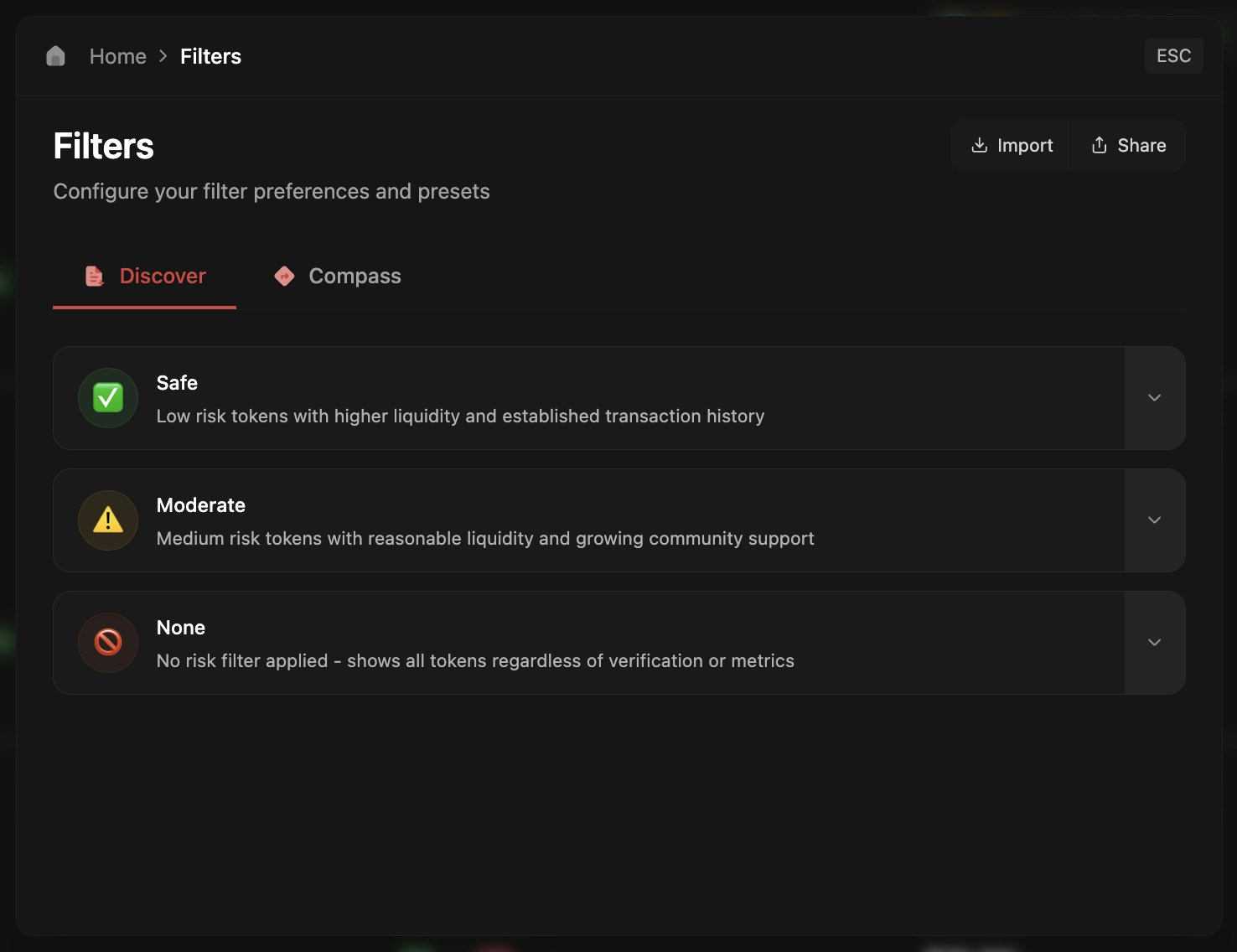
Configure your discovery filters for Discover and Compass pages to control what tokens appear in your feed.
## Filter Presets
Set up your filters to customize token discovery on Discover and Compass pages. Three default presets are provided: Safe, Moderate, and None.
 ## Customize Filters
Press the down arrow to expand and customize your filter appearance. Adjust the name, color, emoji, and description - these changes will reflect everywhere for easy identification.
## Customize Filters
Press the down arrow to expand and customize your filter appearance. Adjust the name, color, emoji, and description - these changes will reflect everywhere for easy identification.
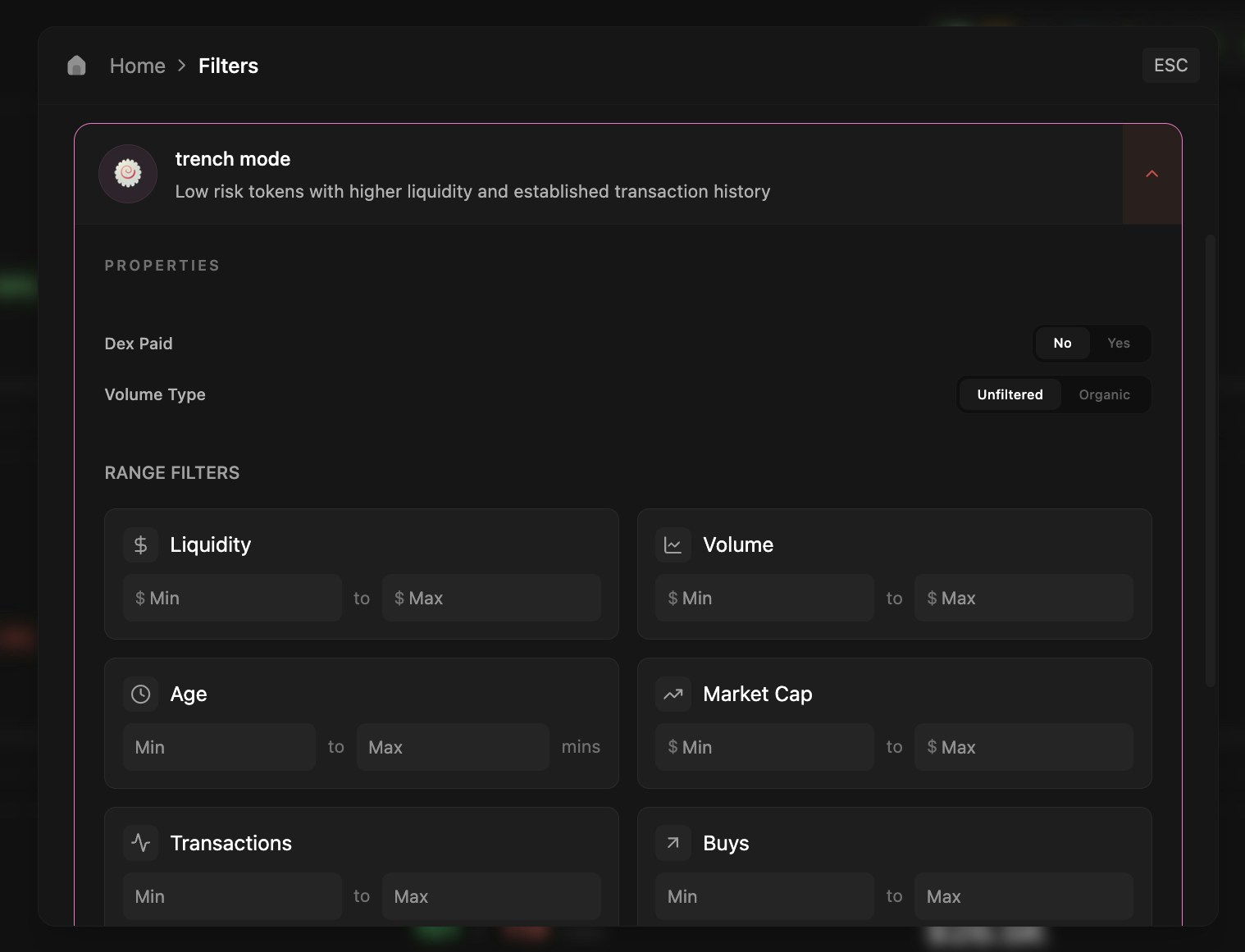 Filters can be applied separately to Discover and Compass pages, and can also be adjusted directly from those pages.