> ## Documentation Index
> Fetch the complete documentation index at: https://docs.lute.gg/llms.txt
> Use this file to discover all available pages before exploring further.
# Trading
> Order flow, slippage, migration, and token info
## Order flow
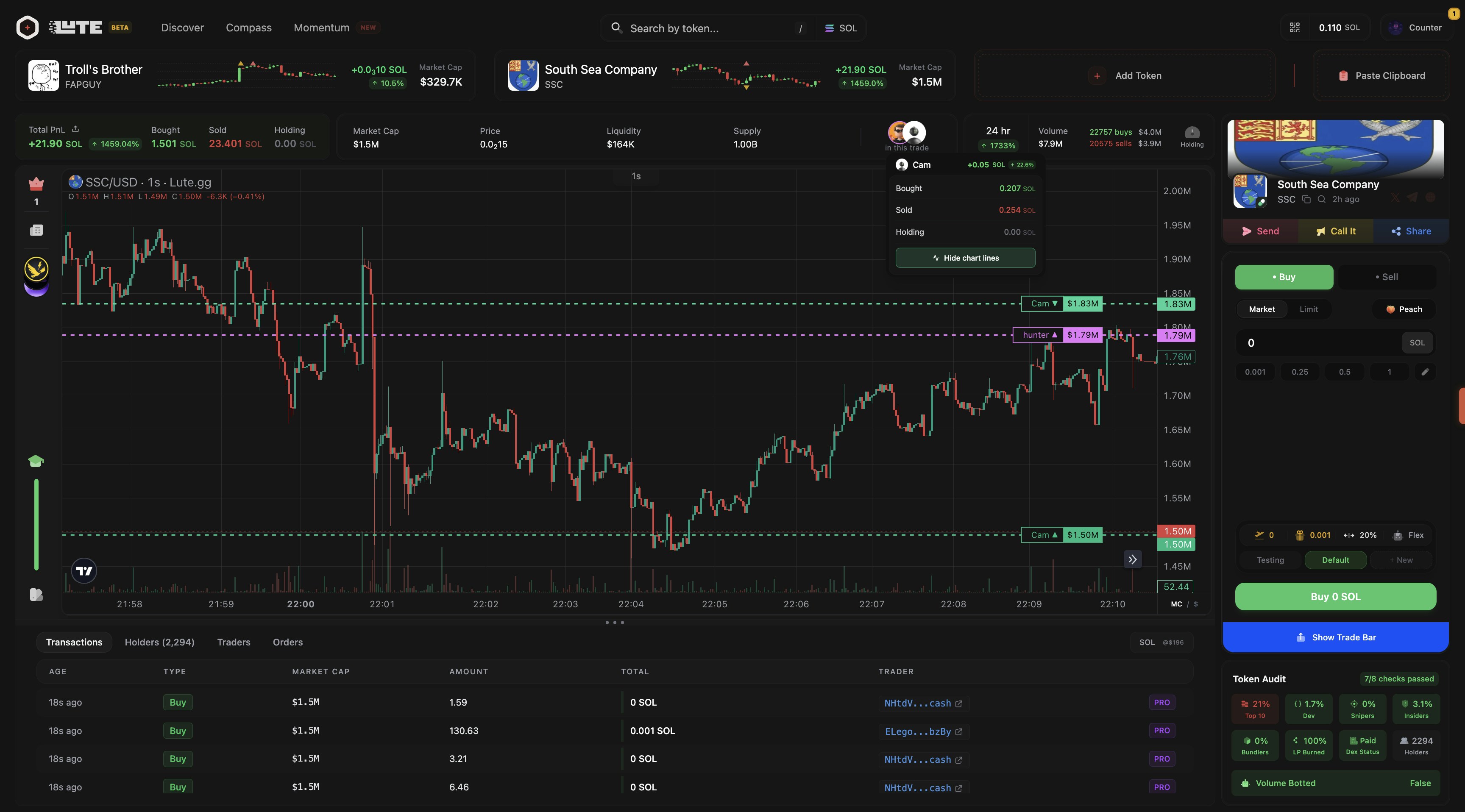
* **Market orders (default)**: Execute against current liquidity; mind slippage
* **Limit orders**: Specify price and size; executes when touched
* **Slippage controls**: Configure acceptable slippage per network and per preset
* **Quick Buy**: Place lightweight orders from Discover/Compass/Momentum and Cloud
 ## Migration awareness
* Compass surfaces tokens nearing migration
* "About to Migrate": liquidity/price can shift quickly → recheck slippage and depth
## Markets
Price discovery, order books, trades, depth, and favorites watchlists.
## Portfolio
Balances, positions, PnL, recent activity, deposits/withdrawals.
## Orders
Open orders, fills, order history, cancel/replace flows.
## Settings
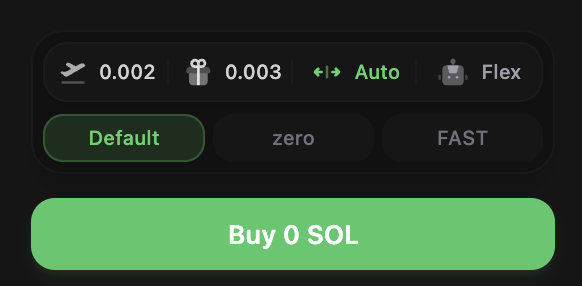
You can adjust trade settings in the buy window.
## Migration awareness
* Compass surfaces tokens nearing migration
* "About to Migrate": liquidity/price can shift quickly → recheck slippage and depth
## Markets
Price discovery, order books, trades, depth, and favorites watchlists.
## Portfolio
Balances, positions, PnL, recent activity, deposits/withdrawals.
## Orders
Open orders, fills, order history, cancel/replace flows.
## Settings
You can adjust trade settings in the buy window.
 ## Token info
* Transactions
* Holders
* Traders
* Orders & Cycles
* Token Audit
## Token info
* Transactions
* Holders
* Traders
* Orders & Cycles
* Token Audit