> ## Documentation Index
> Fetch the complete documentation index at: https://docs.lute.gg/llms.txt
> Use this file to discover all available pages before exploring further.
# Cloud
> Customize your personal token workspace
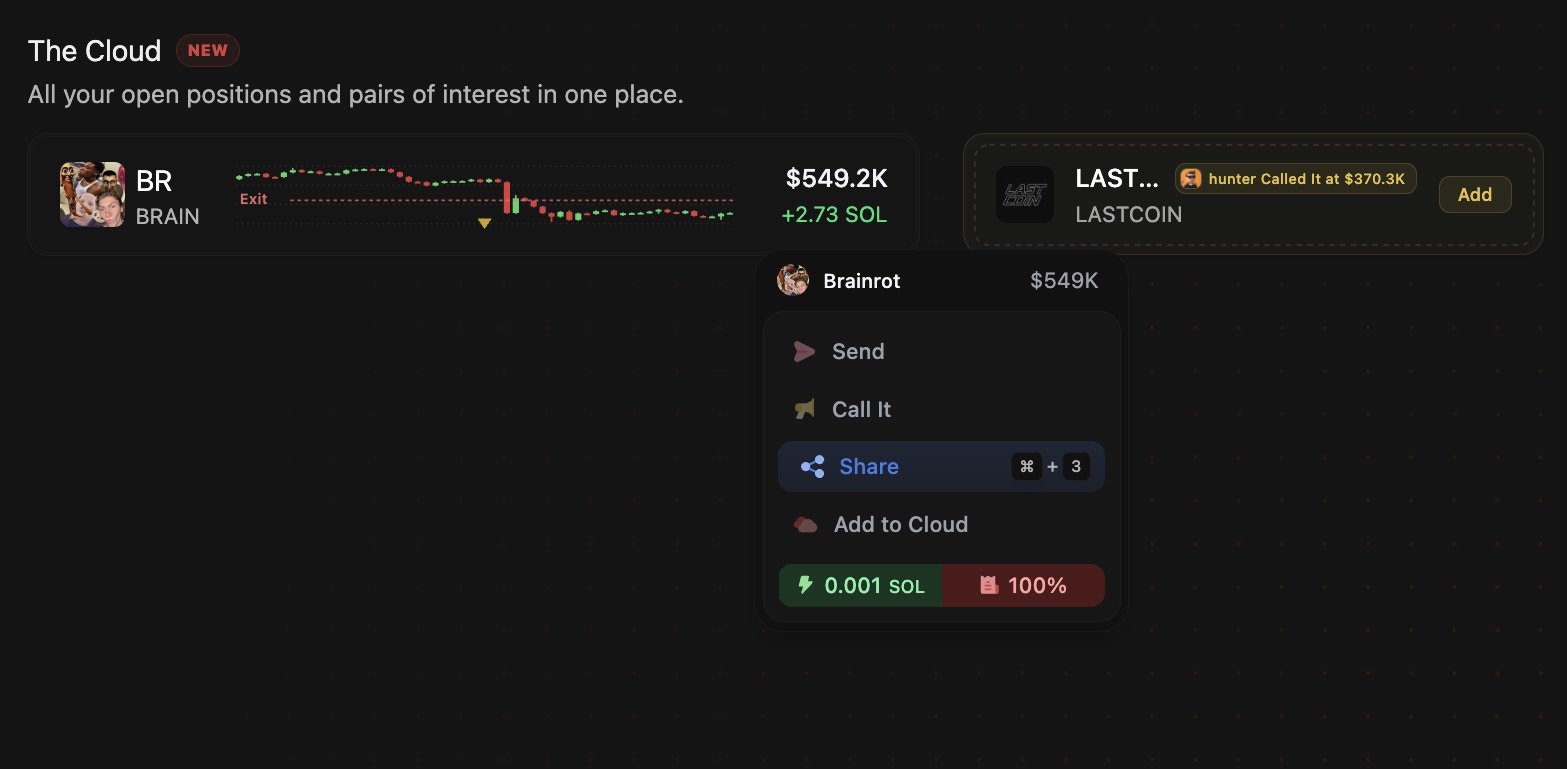 Cloud sits at the top of your workspace and is fully customizable.
## Customize Cloud
* Edit mode: Use the pencil icon on Discover/Compass/Momentum to curate Cloud
* Resize tiles: compact price/PNL (size 1), size 3 (with chart), and size 4 (expanded)
* Chart overlays: Your average entry/exit lines appear on Cloud charts
* Right‑click actions: Send / Call / Share / Hide / Quick Buy / Quick Sell
Cloud sits at the top of your workspace and is fully customizable.
## Customize Cloud
* Edit mode: Use the pencil icon on Discover/Compass/Momentum to curate Cloud
* Resize tiles: compact price/PNL (size 1), size 3 (with chart), and size 4 (expanded)
* Chart overlays: Your average entry/exit lines appear on Cloud charts
* Right‑click actions: Send / Call / Share / Hide / Quick Buy / Quick Sell
